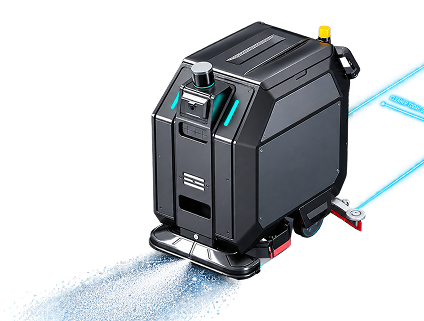
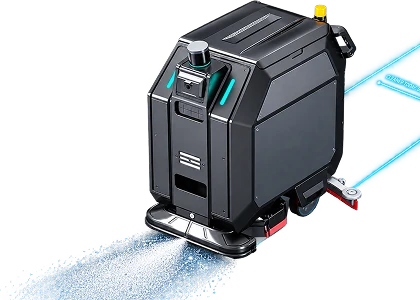
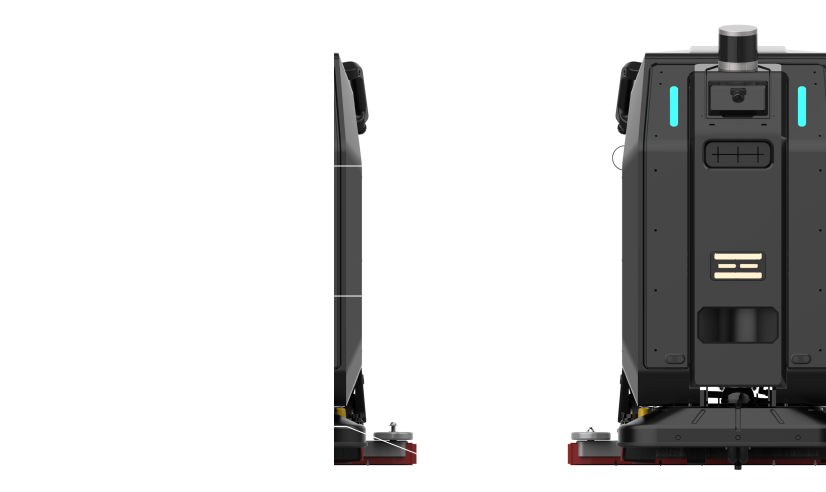
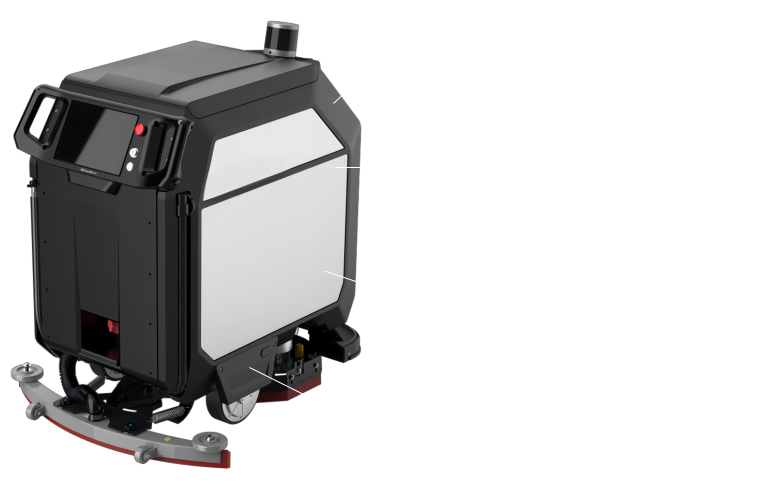
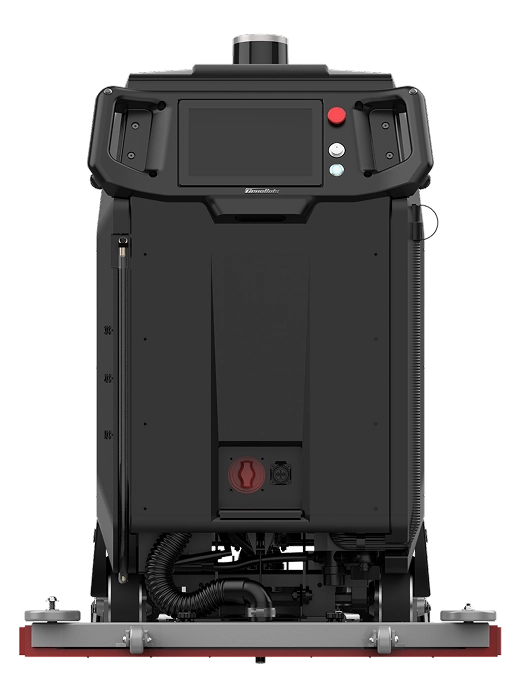
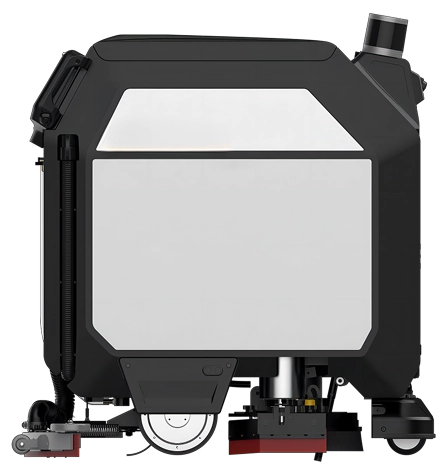
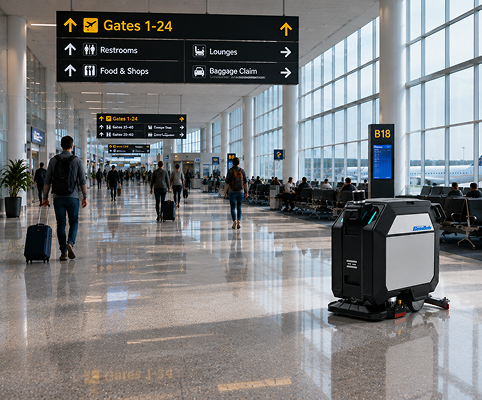
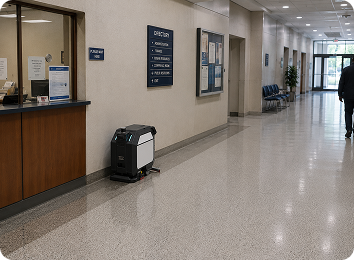
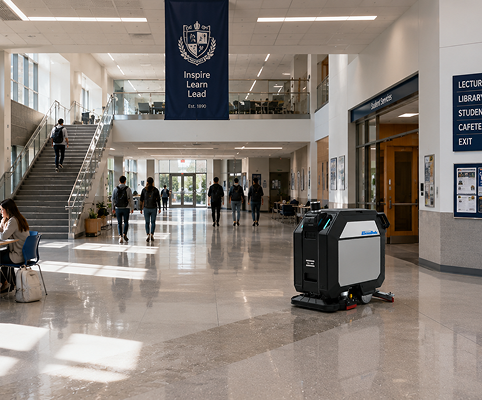
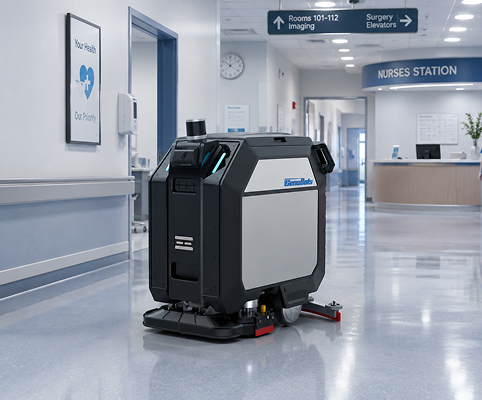

- Best for warehouses, logistics centres and other large areas
- Handles routine floor scrubbing and dirty-water recovery
- Autonomous operation with optional workstation support
Automate routine floor scrubbing with the L50
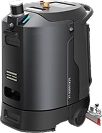
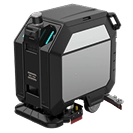
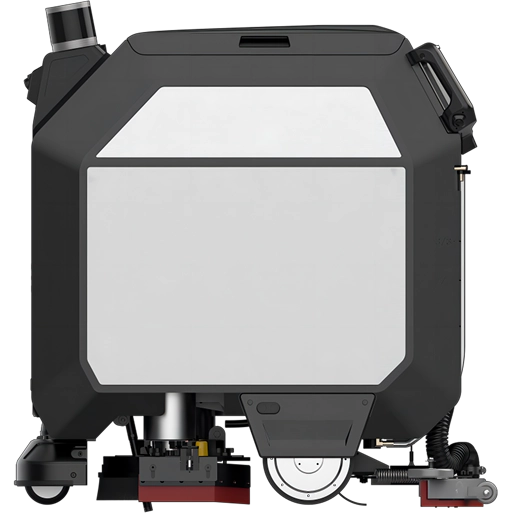
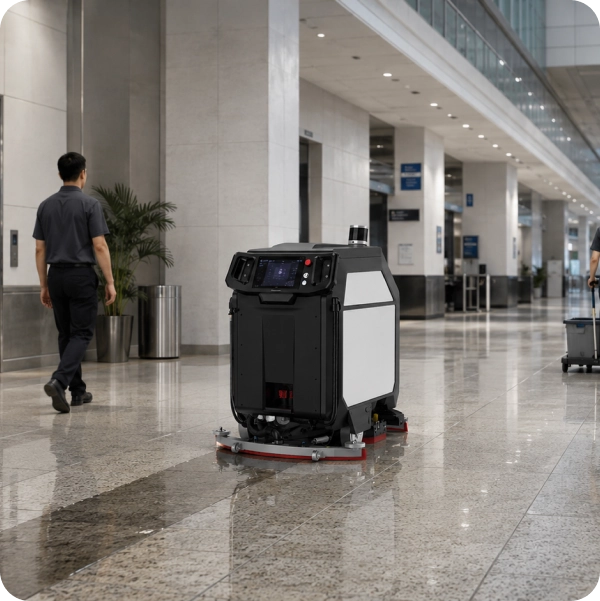
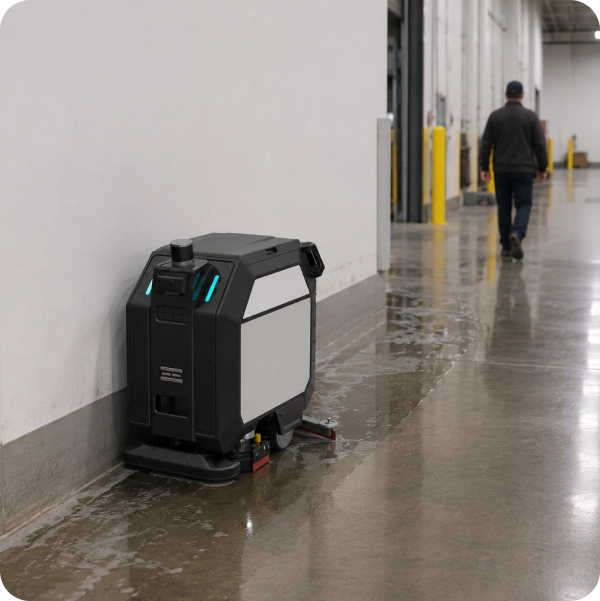
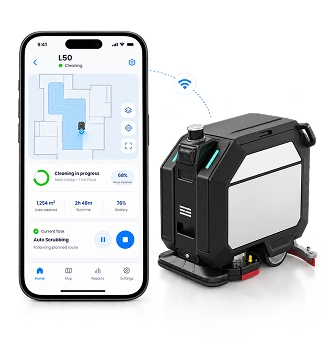
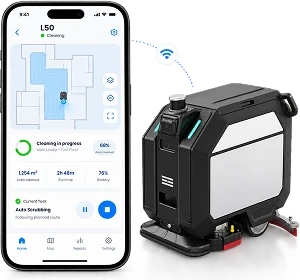
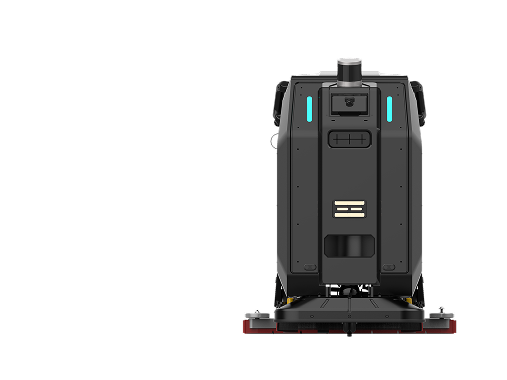
The CenoBots L50 is an autonomous scrubber dryer for warehouses, logistics centres and other large areas. It handles routine floor scrubbing on mapped routes, while teams can set cleaning tasks and view reports through the app. An optional workstation can automate charging, clean-water refilling and wastewater drainage.
Best for
Large-area floor scrubbing
Primary task
Floor scrubbing and dirty-water recovery
Environment
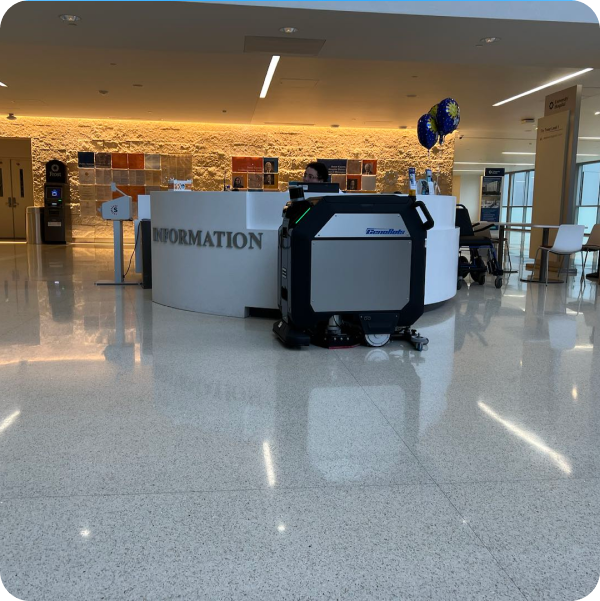
Warehouses, logistics centres, hotels, hospitals, retail and education
Deployment type
Mapped autonomous deployment, with SPARK site assessment, training and ongoing support
Keep large-area floor cleaning moving without tying people to every repeatable step
Large warehouse, logistics and commercial floor areas need regular scrubbing across recurring zones and routes.
Routine floor scrubbing keeps staff tied to the same routes
Large areas need to be cleaned again and again, using valuable time on repetitive work.
Autonomous mapped scrubbing.
The L50 carries out configured floor-cleaning tasks autonomously across mapped areas.
It can be hard to know what has been cleaned without checking manually
Supervisors may need to walk the floor or follow up with staff to confirm which tasks have been scheduled and completed.
App-based task management and reporting
Teams can set cleaning tasks and view cleaning reports through the app, making it easier to keep track of cleaning activity.
Charging, refilling and draining can interrupt the cleaning process
Each manual stop adds another step before the robot can continue working.
Optional workstation automation
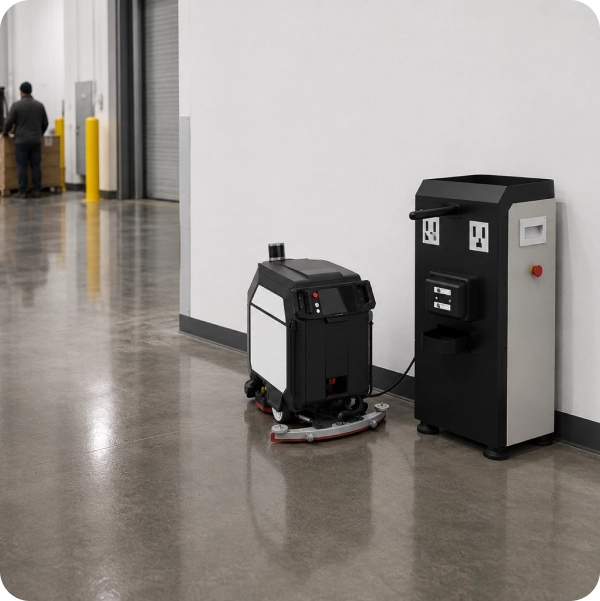
With the CWS-01 workstation, charging, clean-water refilling and wastewater drainage can be handled automatically.
Edges and stubborn marks often need extra attention
Open floor areas may be straightforward to scrub, while edges and tougher dirt can require more focused cleaning.
Edge cleaning and DeepClean
The L50 can clean within 50 mm of edges and offers DeepClean, a two-stage mode for more stubborn soiling.
Key outcomes
Built for larger-area cleaning
Cover substantial floor areas with a cleaning system designed for longer, high-capacity scrubbing tasks. The L50 combines a large solution capacity, wide cleaning path and sustained runtime for demanding commercial and industrial environments.
55 L solution tank · 55 L recovery tank · 510 mm cleaning width · 25 kg brush pressure · up to 6 hrs runtime · up to 2,570 m²/hr theoretical productivity.
Supports larger cleaning runs and high-volume routine floor scrubbing without relying on a small-capacity machine.
Smarter Autonomous
Navigation
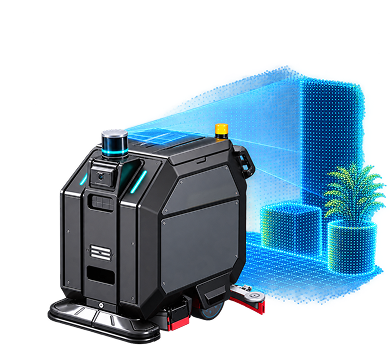
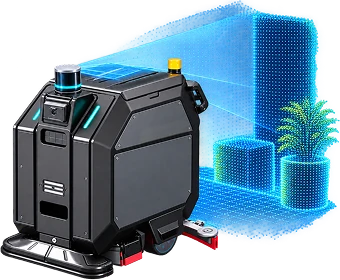
Let the L50 handle mapped cleaning routes with less hands-on guidance. Its sensing and AI hardware help it understand its surroundings, navigate autonomously and adapt its map when the environment changes.
Automotive-grade 32-beam 3D LiDAR · 3D depth camera · bumper sensor · IMU sensor · NVIDIA AI chip with up to 100 TOPS · automatic map adaptation.
Reduces the need for operators to continuously guide the machine through repeatable cleaning routes and helps the robot adapt when its working environment changes.
Easier Cleaning Oversight
Set cleaning tasks and check cleaning activity without always being beside the robot. Teams can manage tasks and review cleaning reports through the mobile app, while software can be updated remotely through OTA updates.
Mobile app task setting · remote cleaning reports · automatic map adaptation · OTA software updates.
Gives supervisors easier visibility over cleaning activity and reduces the need for on-site intervention for routine software updates.
Less routine servicing between cleaning tasks
Automate more of the routine work that keeps the robot ready to clean. With the optional CWS-01 workstation, the L50 can handle charging and water management automatically.
Automatic charging · clean-water refilling · wastewater drainage · detergent filling through the CWS-01 workstation.
Reduces routine manual servicing steps and helps keep longer cleaning workflows moving with less operator intervention.
What powers the L50's large-scale autonomous cleaning
Superior cleaning productivity and performance
Built to last
Human-like intelligent cleaning
High level of safety
Hassle-free after sale service
Easy to maintain
How it works
01.
Map or configure
Prepare the L50 for the space and cleaning task. The working environment is mapped and the robot is configured for autonomous cleaning.
What the L50 handles
Uses its mapping and sensing capabilities to understand the environment and support autonomous operation.
Where people step in
Initial mapping and configuration require human input.
The exact SPARK deployment process TBC
02.
Run the workflow
Let the L50 carry out the cleaning task autonomously. Once configured, it follows the cleaning workflow and navigates the mapped environment while scrubbing the floor.
What the L50 handles
Carries out autonomous floor cleaning using its onboard navigation, perception and cleaning systems.
Where people step in
People step in for situations outside the configured workflow or where manual attention is required. Exact exception and takeover procedures TBC
03.
Monitor and improve
Keep the cleaning workflow aligned as the environment changes. The L50 can adapt its map as conditions change, while OTA software updates help keep the system current.
What the L50 handles
Supports automatic map adaptation and OTA software updates.
Where people step in
People remain responsible for reviewing performance and deciding when adjustments, maintenance or further configuration are needed. TBC
Use cases and environments
Function & Event Spaces
Floor scrubbing of function rooms and event spaces between bookings.
Hospital Atriums & Waiting Areas
Routine scrubbing of large entrance halls and waiting areas.
Large Indoor Areas
Long cleaning runs across large open floors, with up to 6 hours of runtime.
Product in action
L50 scrubbing a mapped retail floor route
CenoBots L50 autonomous scrubber dryer
L50 scrubbing a mapped retail floor route
Technical specifications
Specification
- Max. theoretical productivity
- Cleaning width
- Squeegee width
- Brush pressure
- Solution tank
- Recovery tank
- Max. speed
- Min. distance to the edge
L50
- Up to 2,570 m²/h | 27,663 ft²/h
- 510 mm | 20 in
- 840 mm | 33.1 in
- 25 kg | 55 lbs
- 55 L | 14.5 gal
- 55 L | 14.5 gal
- 1.2 m/s | 2.68 mph
- <50 mm | 2 in
Specification
- Machine dimensions
- Machine weight
- Passage width
- Turn-around width
- Touch screen
- Squeegee width
- Sound level
- Workstation dimensions
L50
- 1055 × 580 × 1045 mm
- TBC
- TBC
- TBC
- Onboard
- 840 mm | 33.1 in
- ≥ 67 dBA
- TBC
Specification
- LiDAR
- Detection range
- Obstacle detection
- Cameras
- AI performance
- Map updates
- Edge cleaning
- Safety certification
L50
- 32-beam 3D LiDAR
- 150 m
- Protruding objects and glass
- TBC
- TBC
- Automatic map updating
- Within 5 cm of edges
- TBC
Specification
- Max. runtime
- Battery capacity
- Auto-charging
- Workstation
- Charging time
- Battery type
- Energy use
L50
- Up to 6 hrs
- 120 Ah
- Via optional CWS-01 workstation
- Optional CWS-01: charging, water refill and drainage
- TBC
- TBC
- TBC
Specification
- App
- Onboard control
- Task setting
- Cleaning reports
- Map updates
- Software updates
- Network
L50
- Mobile app
- Touch screen
- Via mobile app
- Via mobile app
- Automatic map updating
- OTA updates
- TBC
Specification
- Environment
- Passage width
- Turn-around width
- Floor types
- Ingress protection
- Operating temperature
- Max. slope
- Max. threshold height
L50
- Warehouses, logistics centres and other large indoor areas
- TBC
- TBC
- Hard floors
- TBC
- TBC
- TBC
- TBC
Specification
- Workstation
- Mobile app
- Touch screen
- Brushes
- Squeegee blades
- Detergent
- Spare parts kit
L50
- CWS-01 (optional): automatic charging, water refill and drainage
- Included
- Onboard
- TBC
- TBC
- TBC
- TBC
Deployment and integration
From site survey to launch, SPARK prepares your robot for your site, your workflow and your team.

01 — Site survey
We assess your requirements and site conditions to help plan your robot deployment.

02 — Mapping
The operating area is mapped for autonomous operation before handover.

03 — Workflow design
We develop a deployment plan around your site and operational requirements.

04 — Integration
Integration requirements are assessed for each deployment, while tasks, schedules and reports are managed through the app.

05 — Training
SPARK provides user training as part of its after-sales support.

06 — Launch
Launch follows completion of site preparation, mapping, workflow setup and training.

Site Assessment
Understand the facility, floor types, traffic patterns and operational requirements.

Robot Deployment
Introduce the robot into daily operations with minimal disruption.

Mapping
Configure operating areas and routes according to the environment.
Remote Monitoring
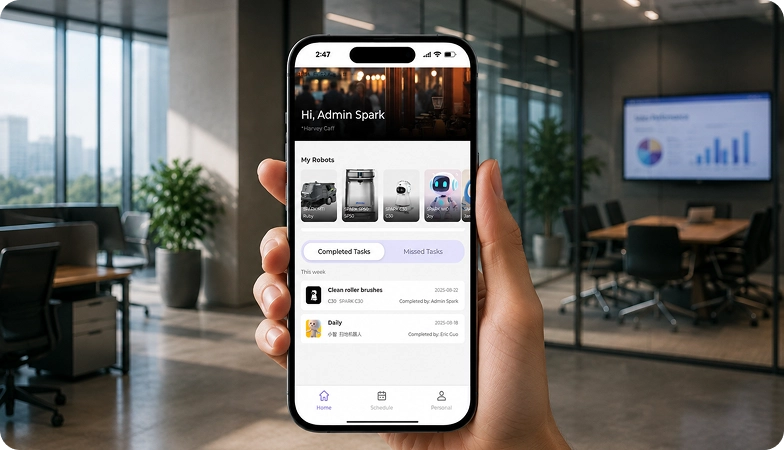
Monitor robot operations and receive performance information through the app.

Training & Handover
Provide operators with the knowledge needed to manage the robot day to day.

Ongoing Optimization
Adapt maps and update software as the facility evolves.

Training & Handover
Provide operators with the knowledge needed to manage the robot day to day.

Remote Monitoring
Monitor robot operations and receive performance information through the app.

Ongoing Optimization
Adapt maps and update software as the facility evolves.

Site Assessment
Understand the facility, floor types, traffic patterns and operational requirements.

Mapping
Configure operating areas and routes according to the environment.

Robot Deployment
Introduce the robot into daily operations with minimal disruption.
What SPARK adds
We are not a box shifter. Deployment covers site survey, mapping, workflow design, integration planning, training and launch — so your robot arrives configured for your building rather than dropped at your loading bay.
If the survey shows the robot is wrong for your site, we will say so.
upSPARK and ongoing support
From installation and user training to software updates and on-site maintenance, we provide full after-sales support.

Technology That Keeps Improving
Every SPARK robot is managed through its manufacturer app and cloud platform, where operators can schedule tasks, monitor each robot remotely and review performance reports. SPARK supports you from installation and training through to software updates and maintenance.

maintenance tasks
Routine maintenance is kept simple, with clear schedules for brushes, filters, tanks and other consumables. SPARK guides your team through each task so the robot stays ready to work.

scheduling
Tasks and schedules can be set and adjusted through the app or control panel, so the robot works at the times that suit your site, including out of hours.

guided maintenance
SPARK provides step-by-step guidance for maintenance tasks, helping your team keep the robot running reliably with minimal downtime.

expert support
Our UK-based team provides expert after-sales support, including troubleshooting, on-site maintenance and help with optimising your robot routines.
Safety, compliance and governance
Compliance
Certification and conformity
Declaration of Conformity and certification documents for this robot are available on request for technical and procurement review.
Obstacle handling and safety
360° Environmental Awareness
SPARK robots use onboard sensors to detect obstacles, slow down or stop, and reroute where required. Detailed safety behaviour is covered in the product documentation.
Operating boundaries
Mapped operating areas
The robot operates within the mapped areas and configured routes set up during deployment. Operating conditions are listed in the technical specifications above.
Data and privacy
App and cloud management
Tasks, schedules and reports are managed through the manufacturer app and cloud platform. Details of data handling and privacy are shared as part of deployment planning.
Documents for review
Documentation pack
The user manual, specification sheet and conformity documentation can be shared for technical and procurement review.
Choosing between Spark cleaning robots
L3
L4
L50
Frequently asked questions
Questions about using the L50 at your site
What type of facilities can the L50 clean?
CenoBots positions the L50 for warehouses, logistics centres and other large areas. It also suits hotels, hospitals, retail and education settings with large hard-floor areas.
How long can the L50 operate?
The L50 runs for up to 6 hours on its 120 Ah battery. The optional CWS-01 workstation can handle charging, clean-water refilling and wastewater drainage between runs.
Can the L50 work without constant operator control?
Yes. Once the site is mapped and tasks are set, the L50 scrubs autonomously on mapped routes. Teams can set cleaning tasks and view cleaning reports through the mobile app.
How does the L50 navigate?
The L50 uses a 32-beam 3D LiDAR with a 150 m detection range. It detects protruding objects and glass, and updates its map automatically when the environment changes.
Can the L50 automatically charge?
Yes, with the optional CWS-01 workstation. The workstation handles automatic charging, clean-water refilling and wastewater drainage.
Can the L50 be used in large facilities?
Yes. Large areas are the L50’s main market. Its 510 mm cleaning width, 55 L solution tank, up to 6 hours of runtime and up to 2,570 m²/h theoretical productivity suit long cleaning runs in warehouses, logistics centres and other large spaces.
How do I request engineering support if there is a problem?
Contact the SPARK support team. We provide after-sales support including troubleshooting, software updates and on-site maintenance for your L50.